

uwPDF
Reading and ideas,
in a natural flow.
A lightweight, native PDF reader for Windows.
Read, annotate and recognize text. All on your device.
Windows 10 / 11
Native reading
Open and browse PDFs smoothly.
Stay focused on the content.
Natural annotation
Intuitive writing and markup tools.
Let your ideas take shape.
On-device OCR
Recognize scanned text offline.
Keep document processing on your device.
Keep your focus on the page.
A clean interface. An effortless reading experience.
Feel at home on Windows.
Give every page your full attention.
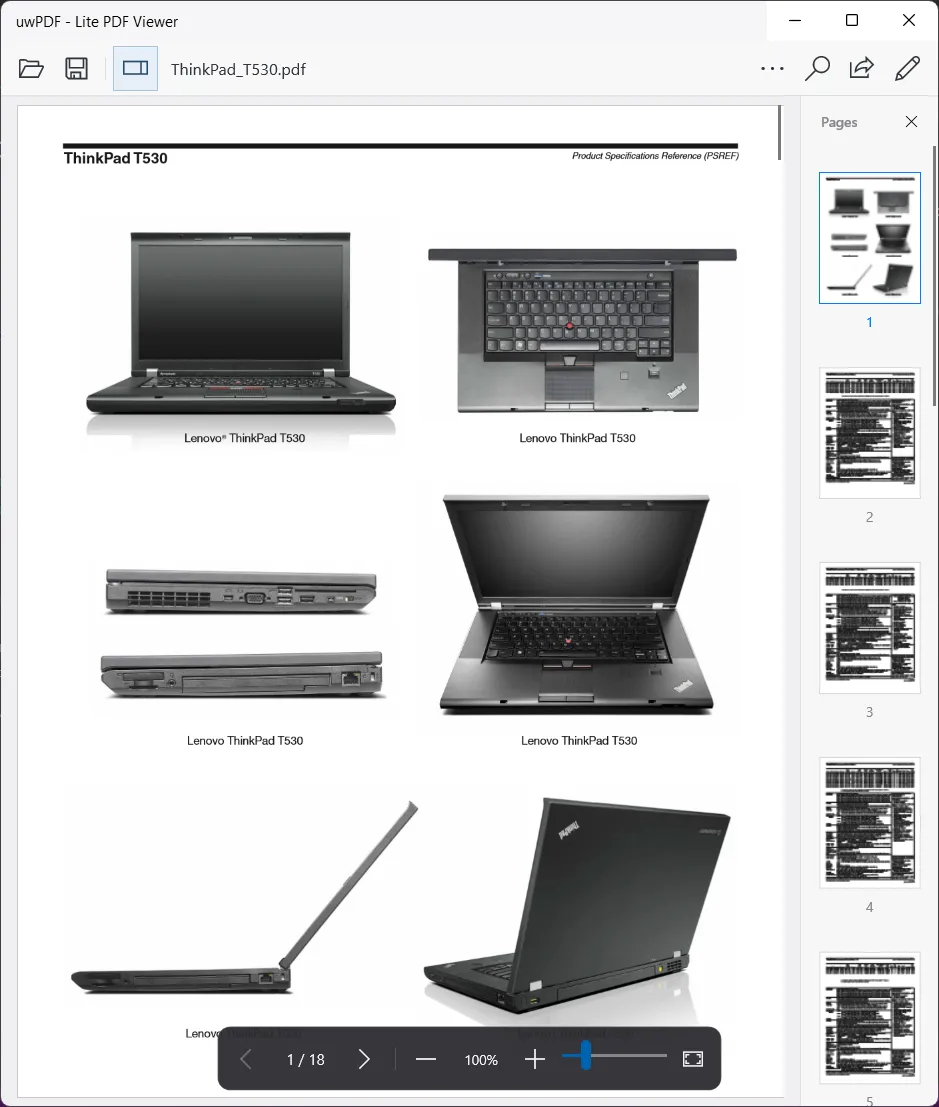
- Continuous scrolling and page thumbnails
- Select, copy and search text
- Pages rendered as you read
Put your ideas
on the page.
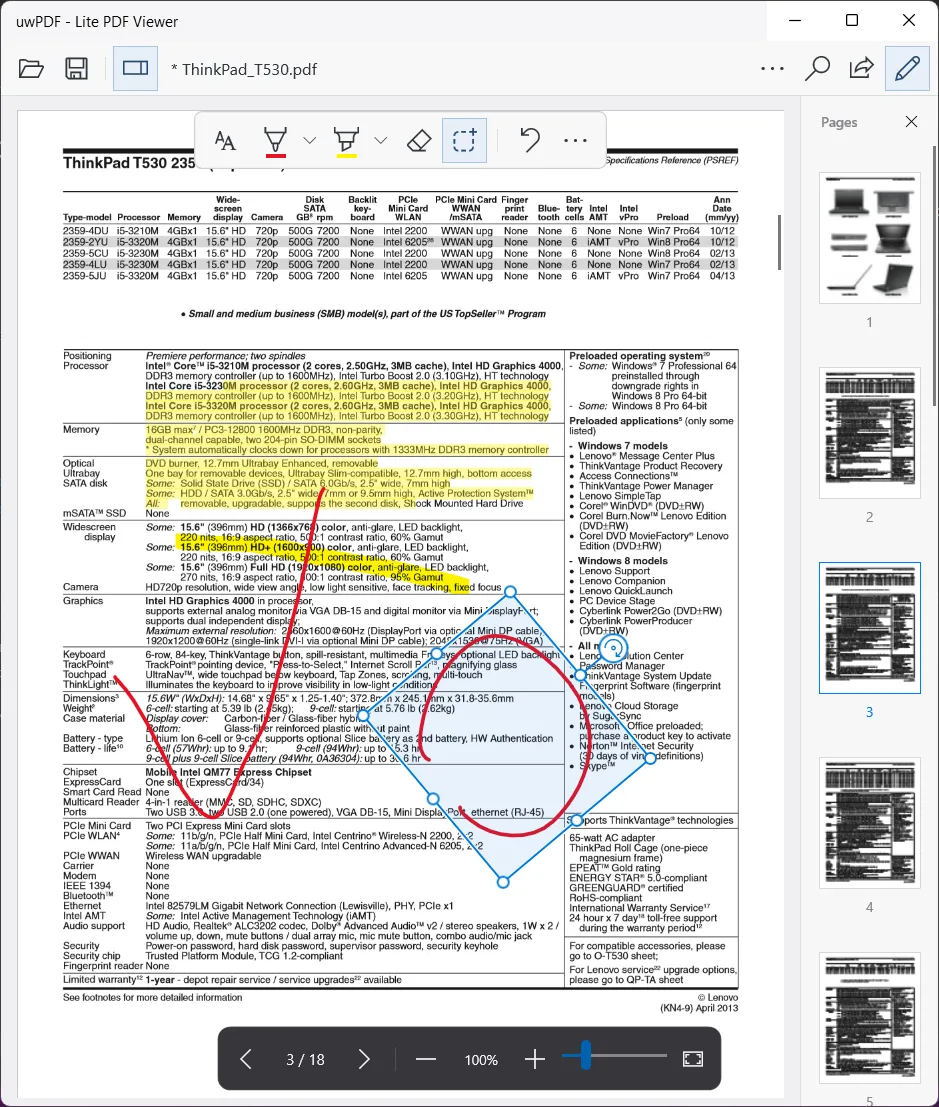
Mark what matters with a pen or mouse.
From a highlighted line to a handwritten thought.
- Windows Ink pens and highlighters
- Lasso ink to move, resize and rotate it
- Save standard PDF annotations and highlights
- Preview and restore local save history
Find the words,
even on a scan.
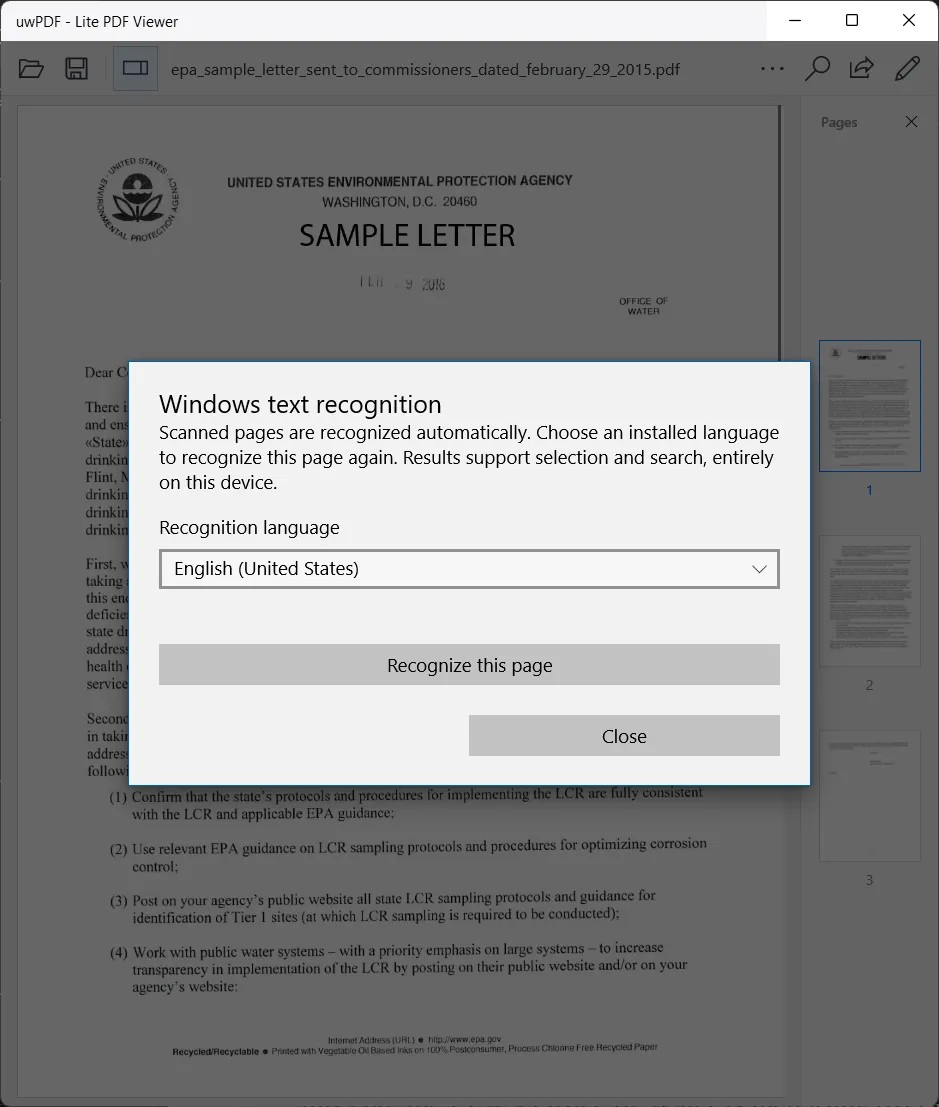
Use Windows offline OCR to
select and search text on scanned pages.
Requires an installed Windows recognition language pack.
Recognition enables selection and search;
it does not add a searchable text layer to saved PDFs.
all happen on your device.
Familiar Windows.
Every step feels right.
See how uwPDF fits into your reading routine.
Continuous scrolling, page thumbnails and floating reading controls.
Ink, highlights and lasso transforms bring your ideas onto the page.
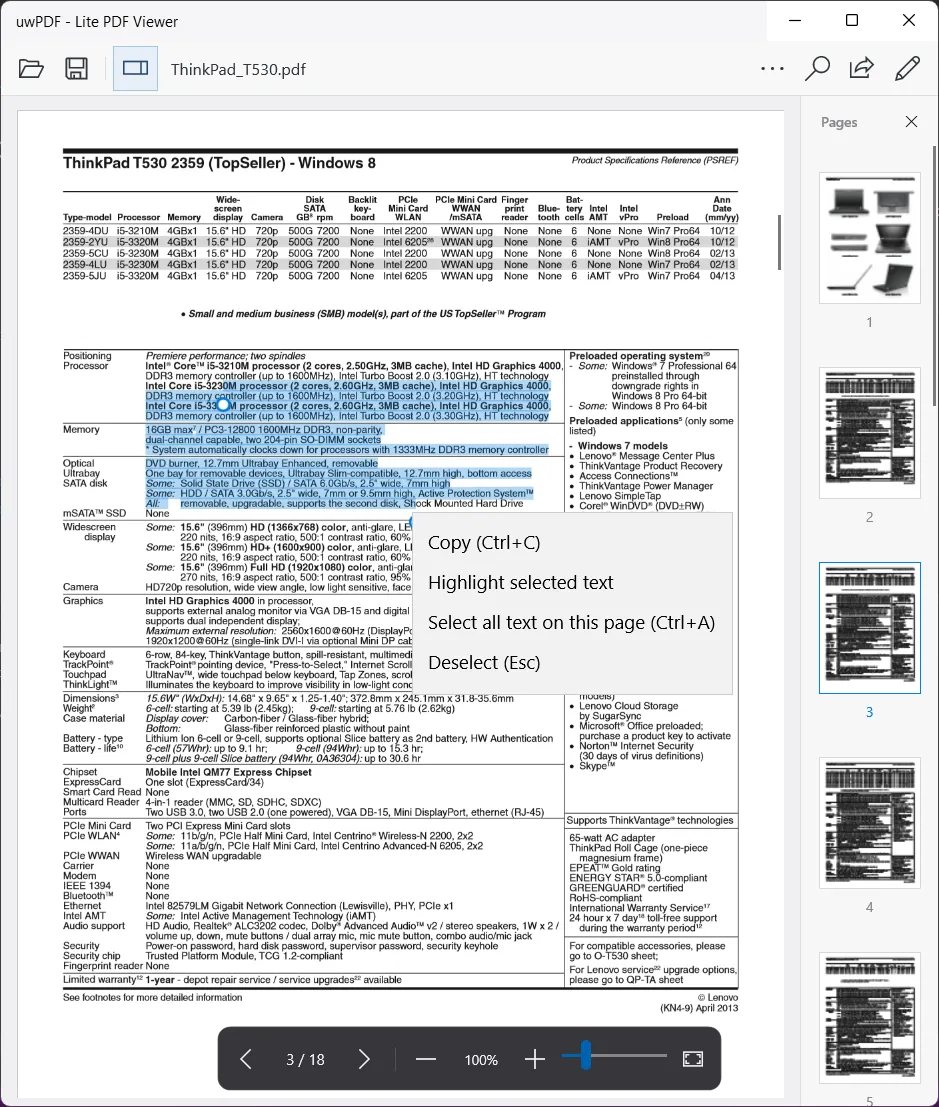
Select, copy and highlight text in your PDF.
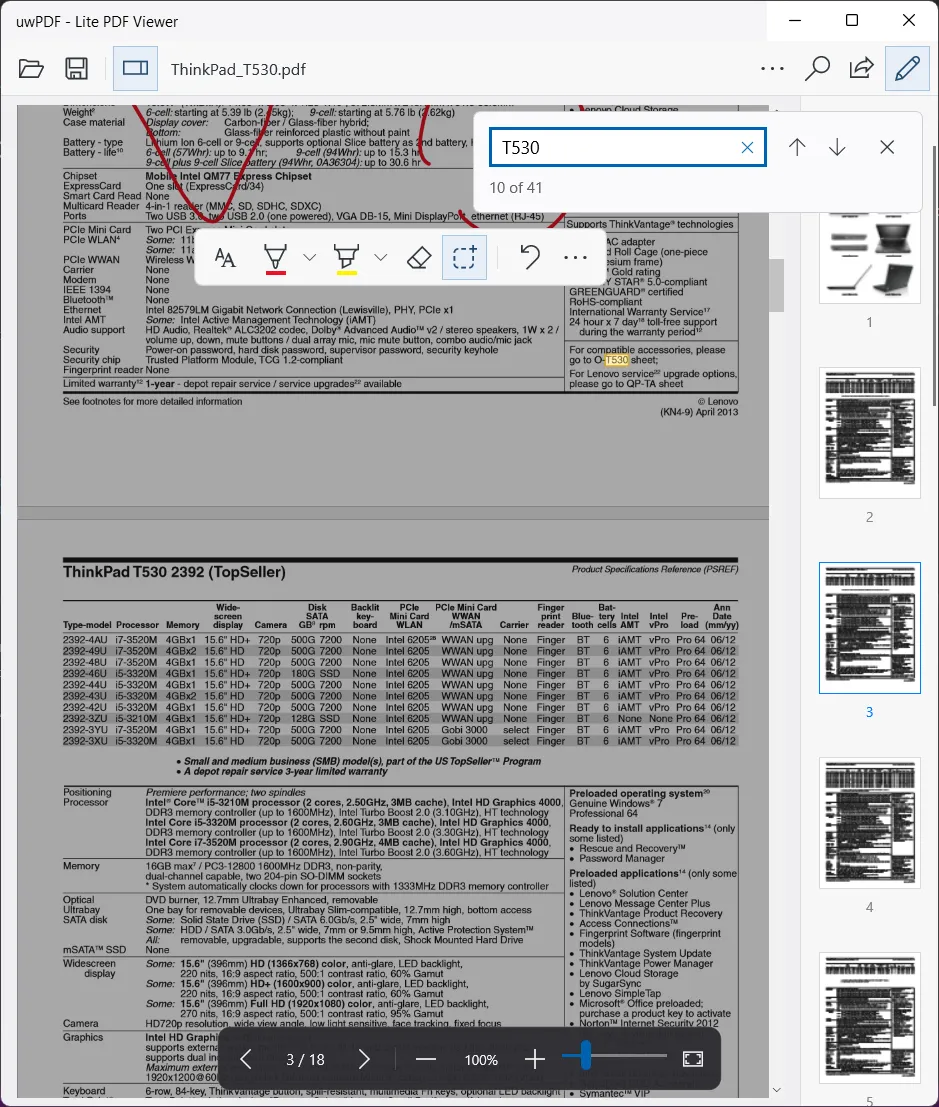
Highlight matching results and find your place quickly.
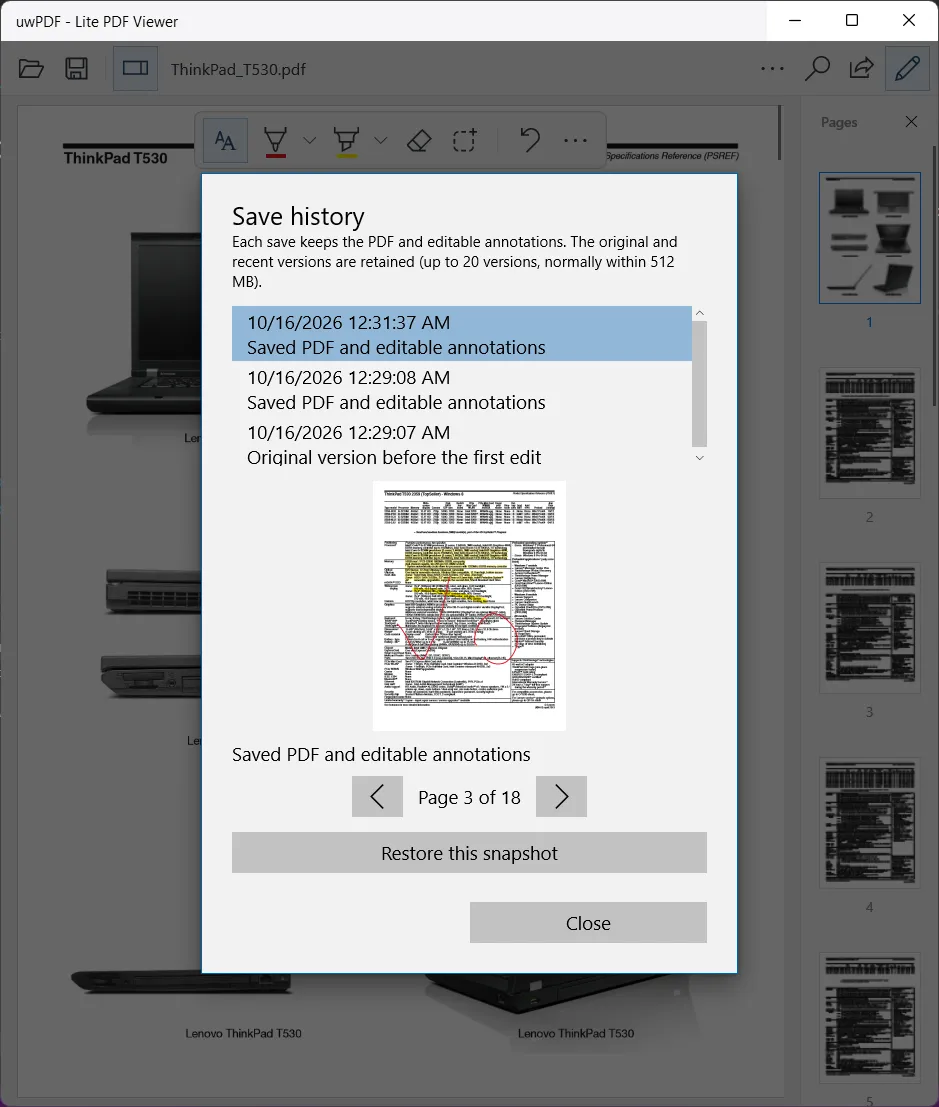
Preview and restore save-history snapshots on your device.
Your next PDF
starts here.
A lighter way to read on Windows.
GitHub Releases · Windows 10 / 11
Choose the package for your device
x64 · x86 · ARM64 · ARM
From the release page, download the matching _Install.zip, extract all files, then
right-click and run Add-AppDevPackage.ps1.
What should I know before installing?
GitHub packages use a self-signed development certificate. The installer script guides you through trusting the included public certificate and installing dependencies. Windows may request administrator access or permission to sideload apps.
Packages require Windows 10 1607 or later for x86, x64 and ARM, or Windows 10 1809 for ARM64. See the release notes for compatibility details on older and ARM devices. Verify downloads with SHA256SUMS.txt on the release page.
Release notes and checksums ↗